This page is currently undergoing scheduled maintenance.
Please check back later.
Thank you for your patience!
Estimated downtime: ~2 hours
Settings
×
×
V 1.83
-
×
No Card Scanned
-
-
×
Welcome to Gestic scanner
In order to make the best use of this scanner, please read the instructions below.
To get the best results from the scanner, please pay attention to the following points:
Centering
Focus
Lighting
Visibility
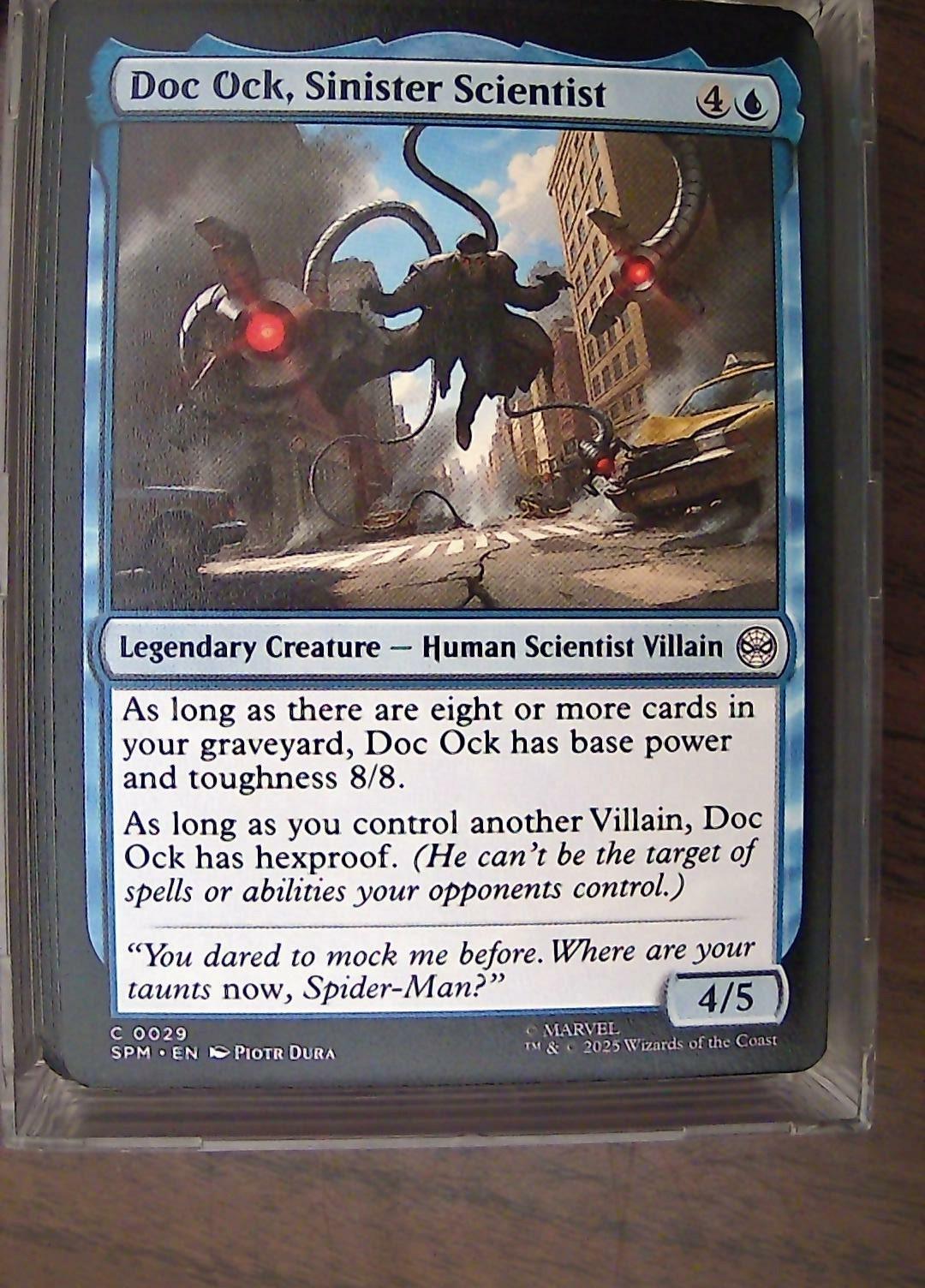
All the pictures below are real-life examples from Gestic users illustrating common issues.
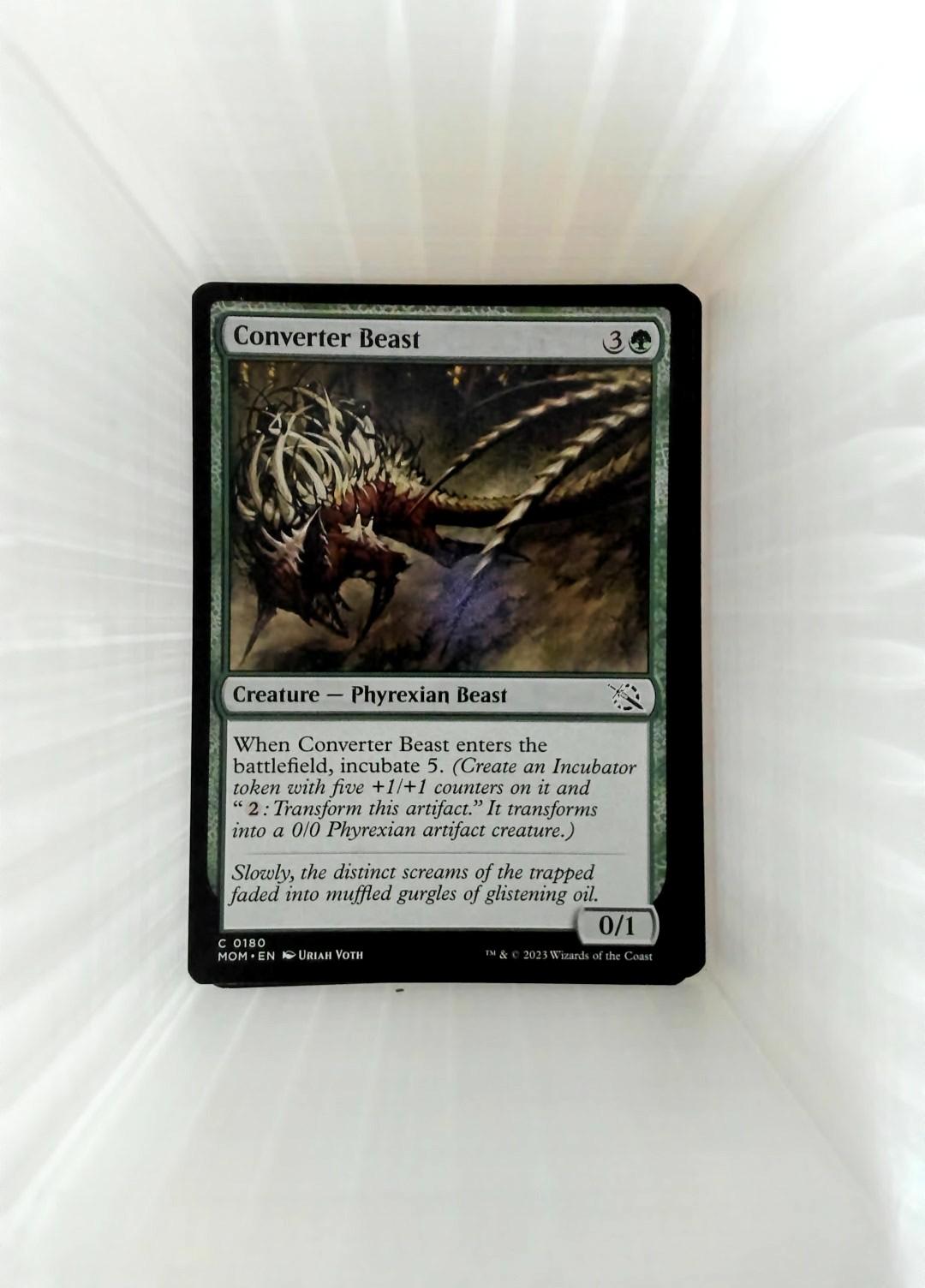
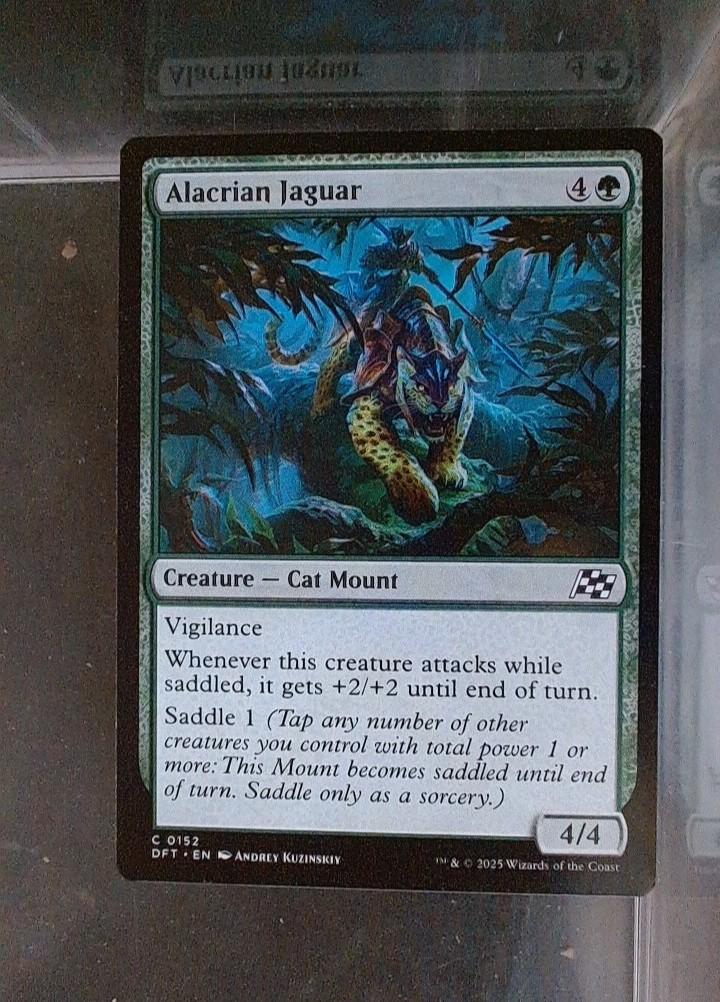
Good pictures
See the other examples below to understand why those are good scans.
✅
✅
✅
Centering
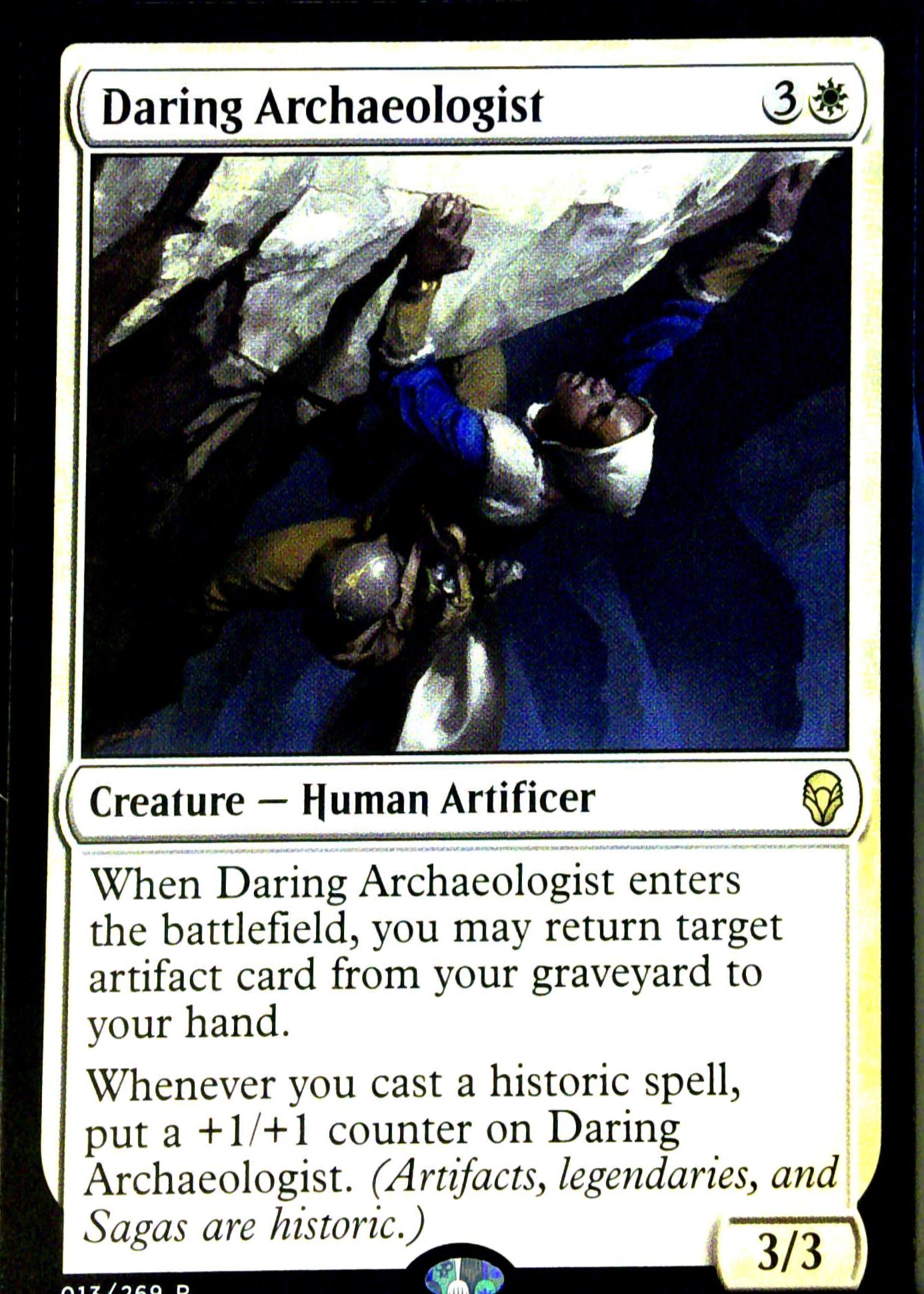
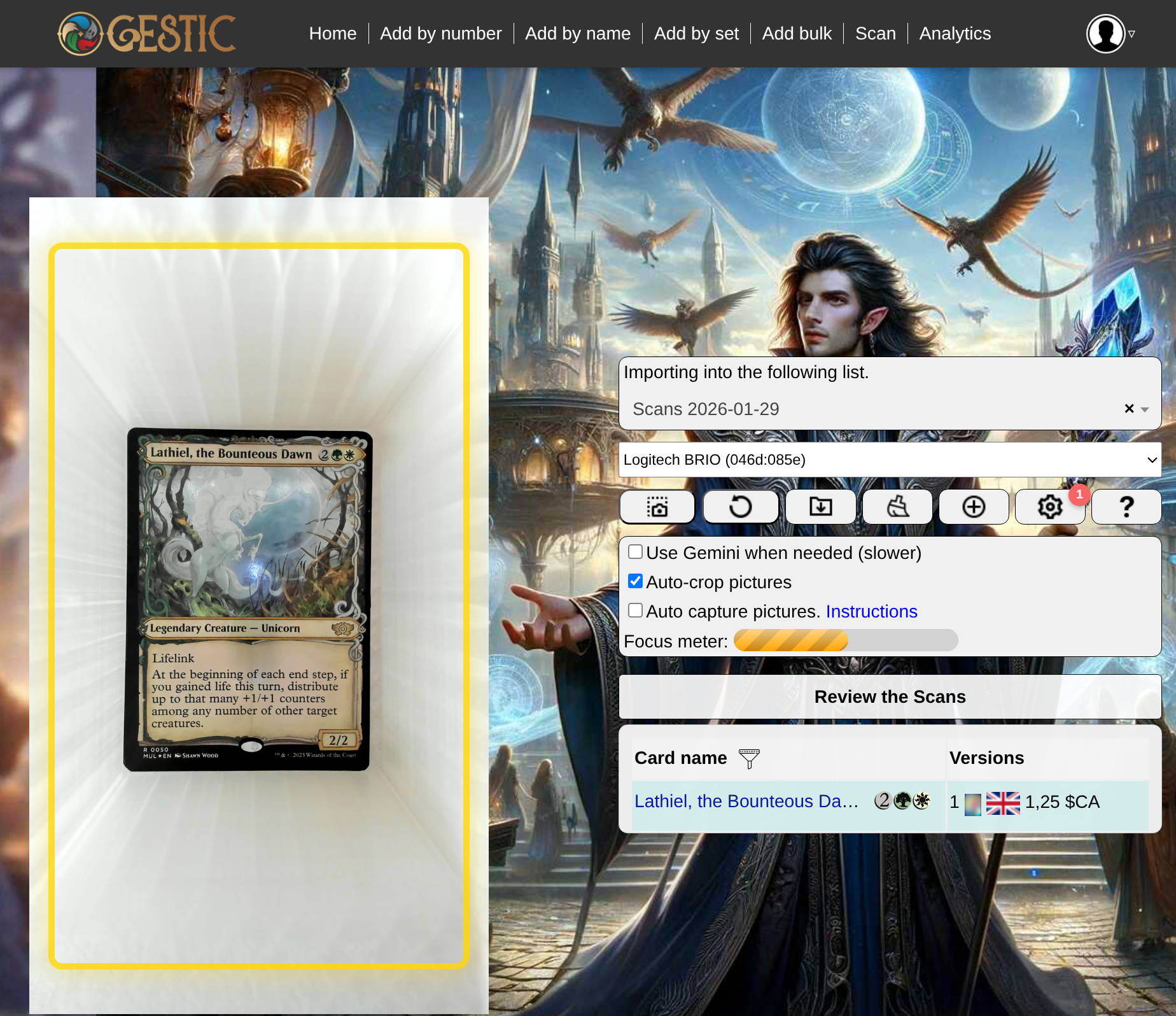
The card you scan should fill as much of the highlighted frame or picture area as possible while fitting completely inside. It is crucial to keep the card as vertical as possible. Although the AI will attempt to detect and recenter the card, poor positioning leads to lower quality and reduced accuracy. Additionally, ensure the picture is not upside down.
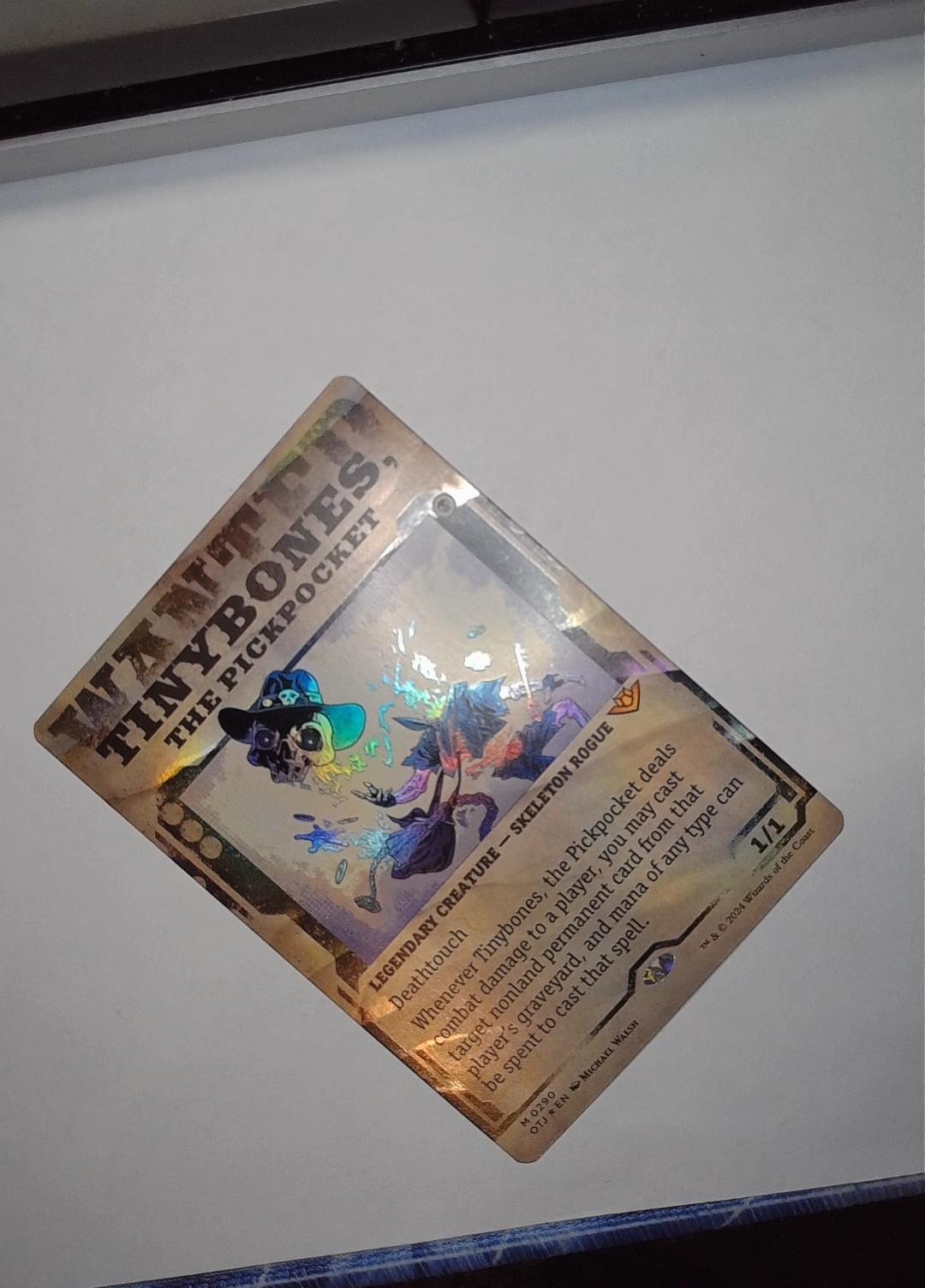
❌Over tilted
❌Wrong orientation
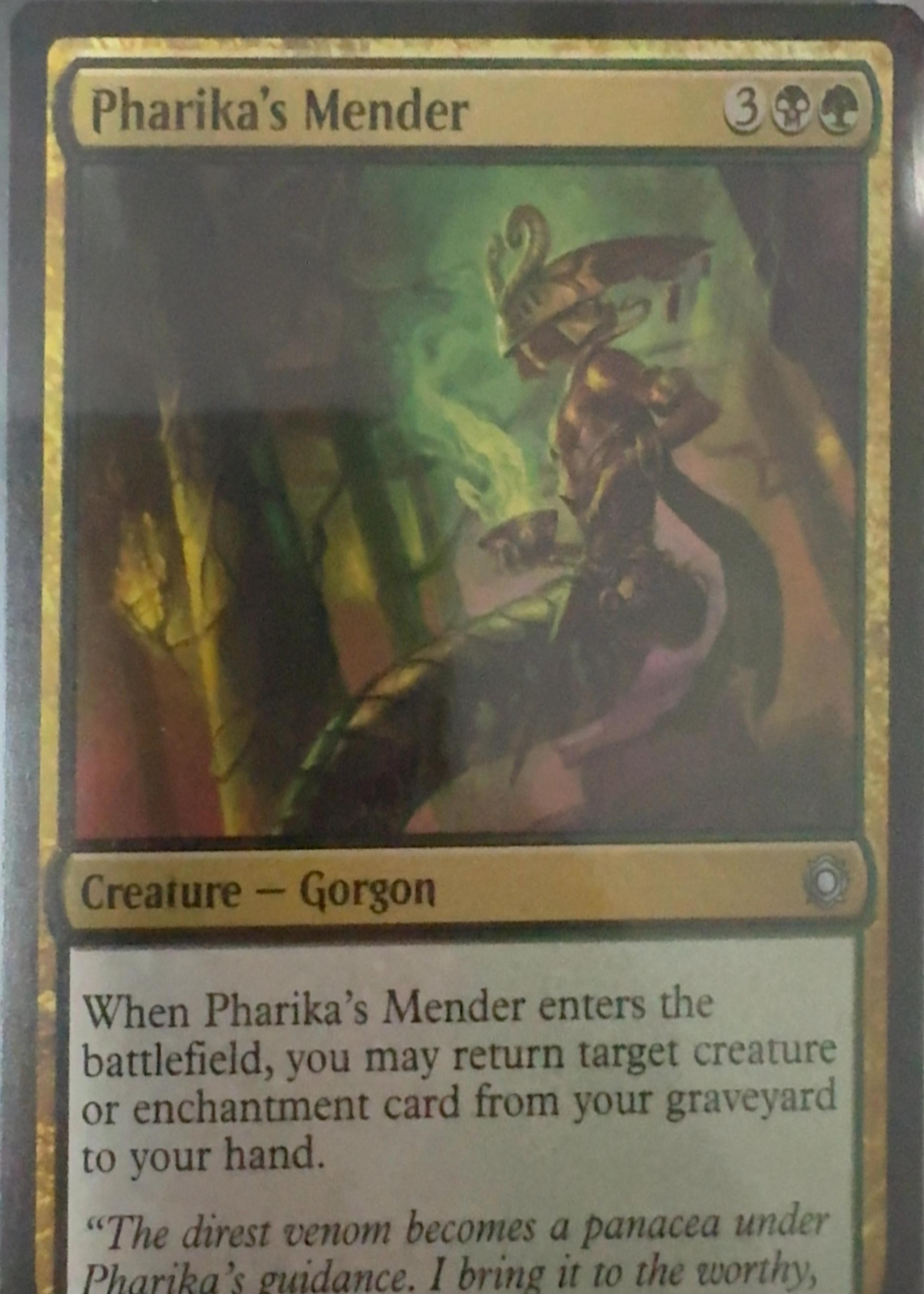
❌Cropped
Focus
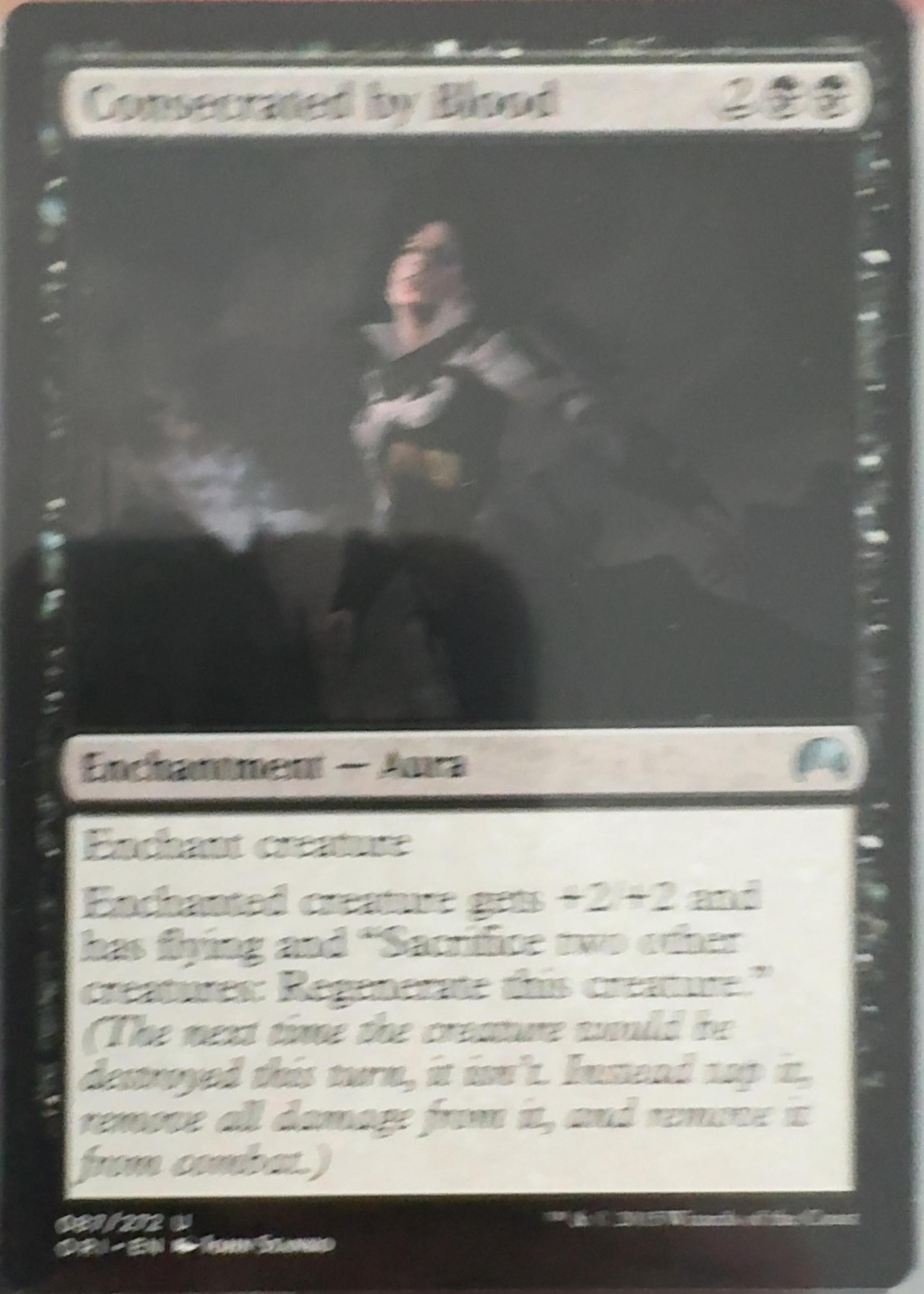
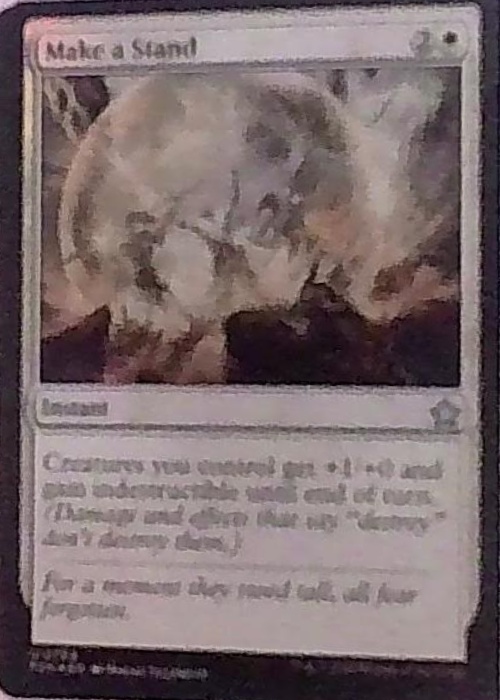
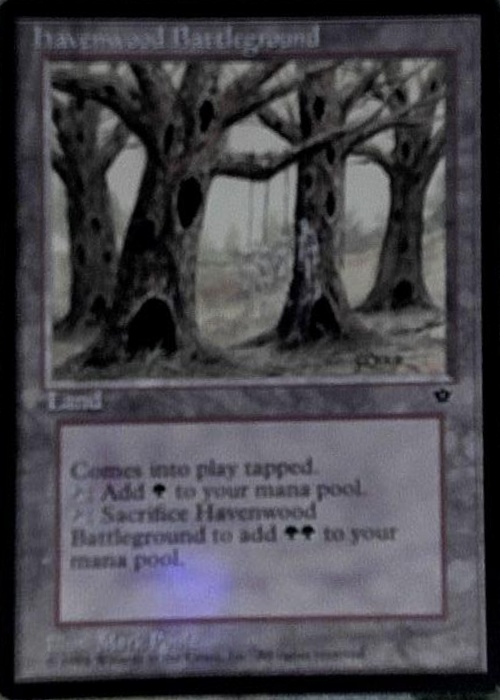
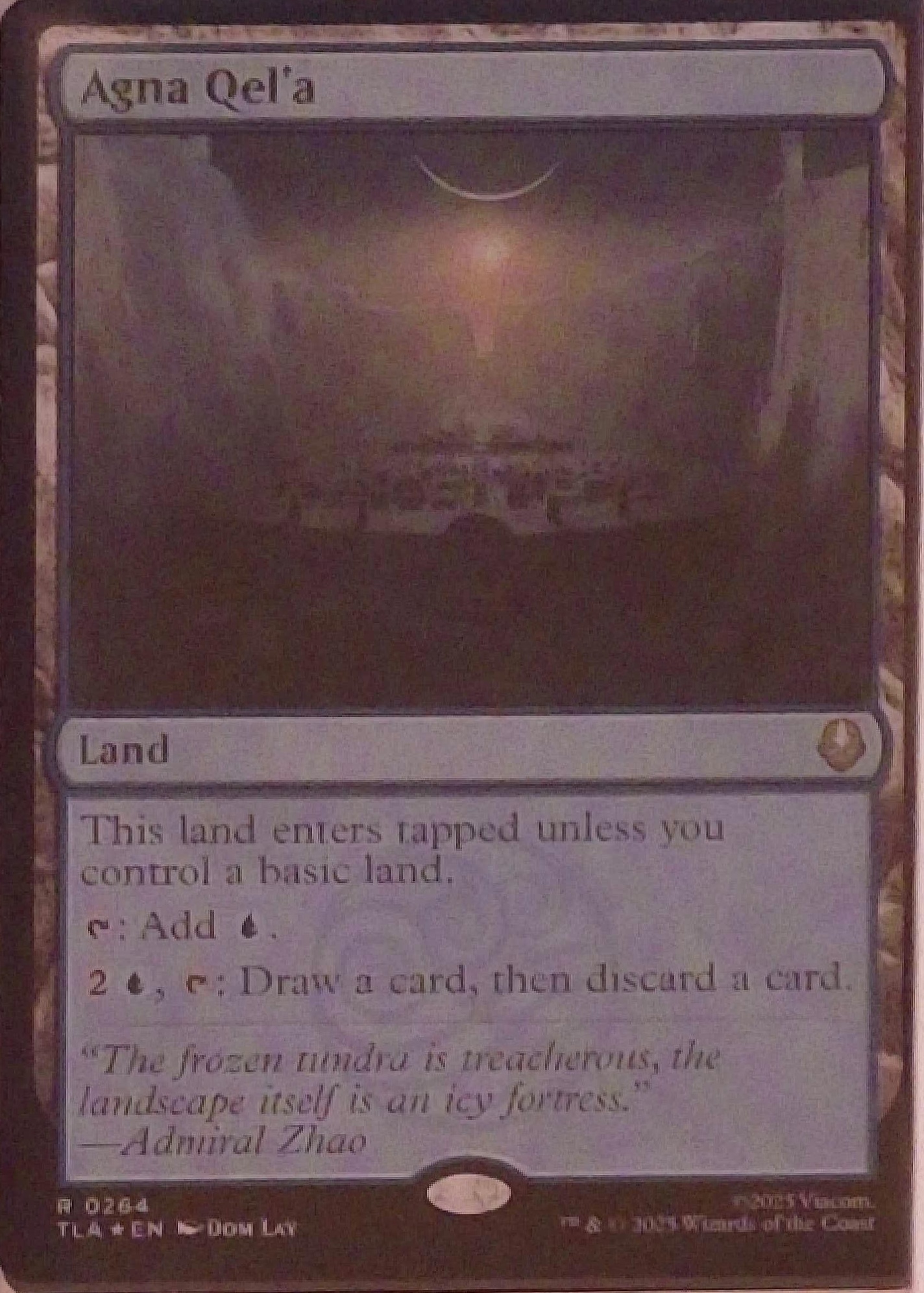
Better focus ensures more accurate readings. The AI models identify key sections (e.g., collector number at the bottom, card name at the top), and the OCR converts them into values. If the focus is poor, the picture becomes blurry, causing recognition failure. Ensure the sharpest focus possible. If using a fixed camera setup (like a slinger box), it is good practice to disable auto-focus and set it manually.
❌Blurry
❌Blurry
❌Blurry
Lighting
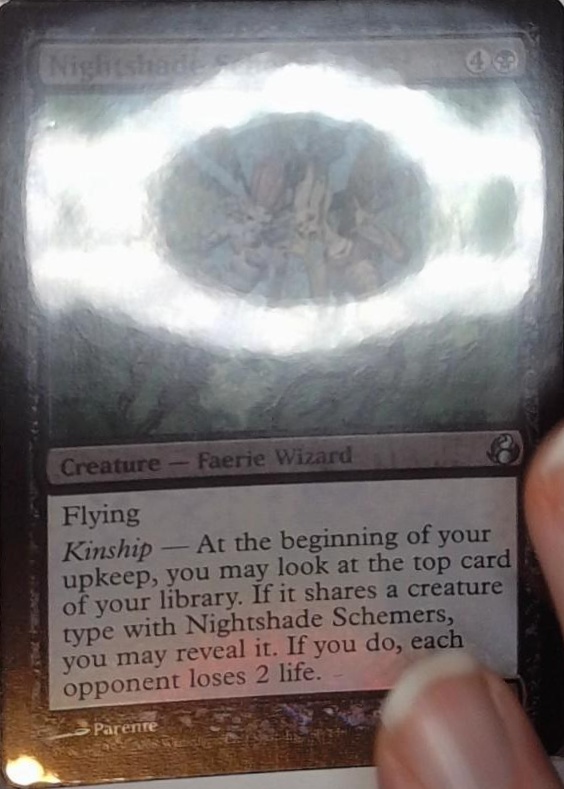
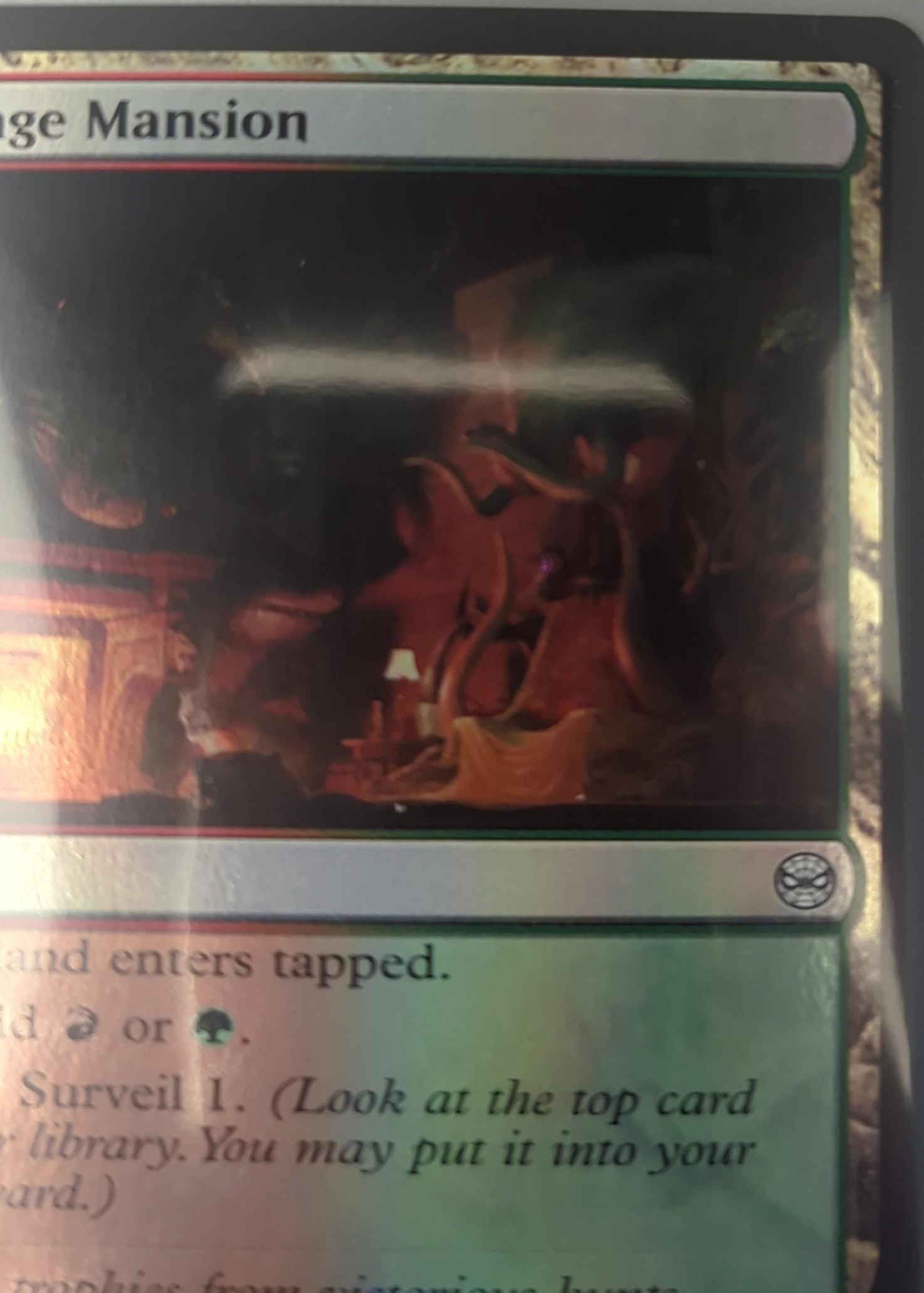
Lighting is one of the most important aspects. Better lighting improves focus and recognition accuracy. Ring lights work well, provided the ring reflection isn't visible on the card. Placing a sheet of paper between the lamp and the card can help diffuse the light effectively.
❌Glare / Reflection
❌Too dark
Visibility
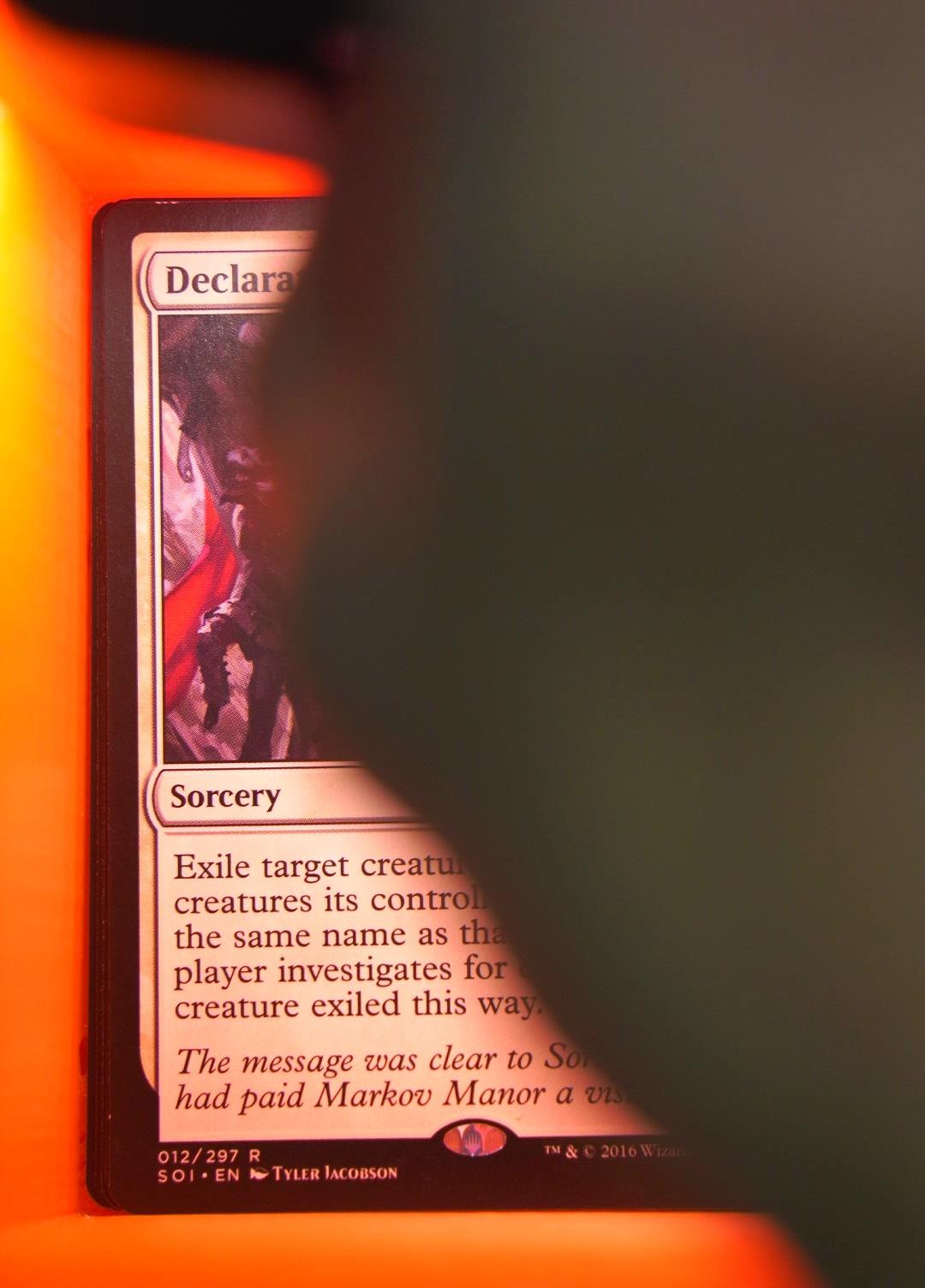
Card recognition relies on identifying the set (via the symbol or footer code), card name, and collector number. All three elements should be clearly visible. While detection might work if one is missing (assuming no other card shares the same number or name), failure is more likely. Ensure all these elements are clearly visible in the picture.
❌Element obscured
❌Cut off
❌Covering text
Visibility
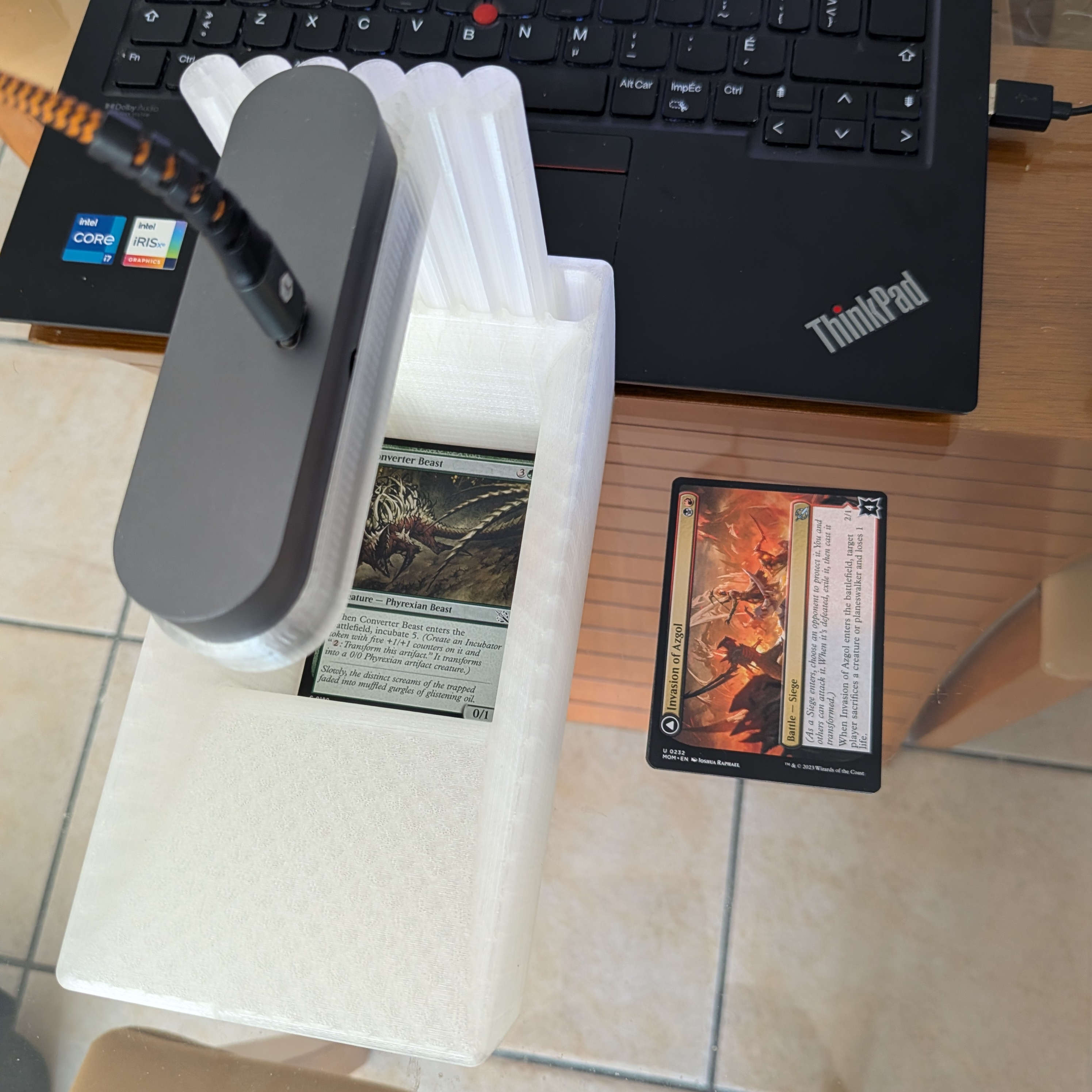
Here is an example of a setting you might consider building. In this setup, we are using a SlingerBox base adapted with a custom 3D-printed webcam holder. Please contact us if you would like one of these holders. The room is well-lit, so no additional lighting was required. Additionally, the webcam autofocus has been disabled and configured manually.